
Namirasoft Password
Bring Password Management to the Next Level
Take control of your passwords with a secure and free platform that organizes and protects your credentials.
Create entries, generate strong passwords using personalized templates, and access your vault safely while using the extension during your browsing.

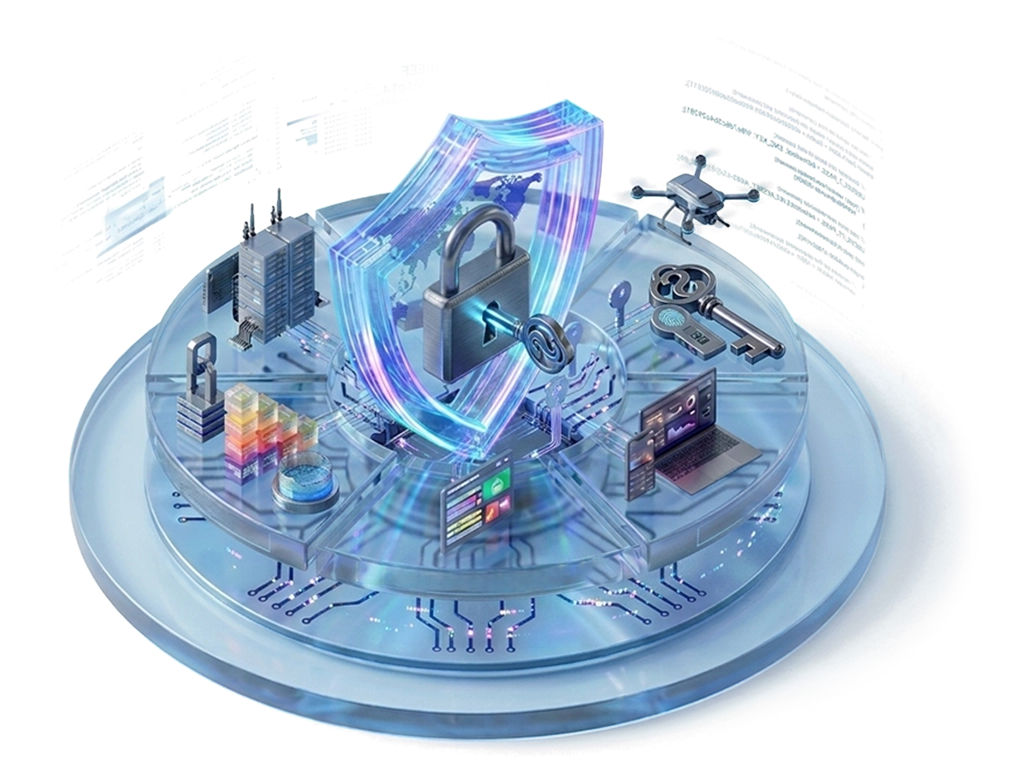
Built on Security and Transparency
Namirasoft Password is built as an open and transparent platform with security at its core.
Both the web console and the browser extension follow Zero Trust principles, and your Master Password is never stored. To support trust and transparency, the source code for both components is publicly available.
Platform Highlights
Organize Your Credentials
Keep all your passwords, usernames, and accounts grouped clearly for easy access.
Generate Strong Passwords
Use personalized templates to quickly create secure credentials for every website.
Access Anywhere While Browsing
The browser extension lets you safely reach your vault without leaving the sites you visit.
Protect Sensitive Data
Zero Trust architecture ensures your Master Password is never stored and all entries remain encrypted.
Import Existing Passwords
Seamlessly transfer credentials from other password managers through the Console.

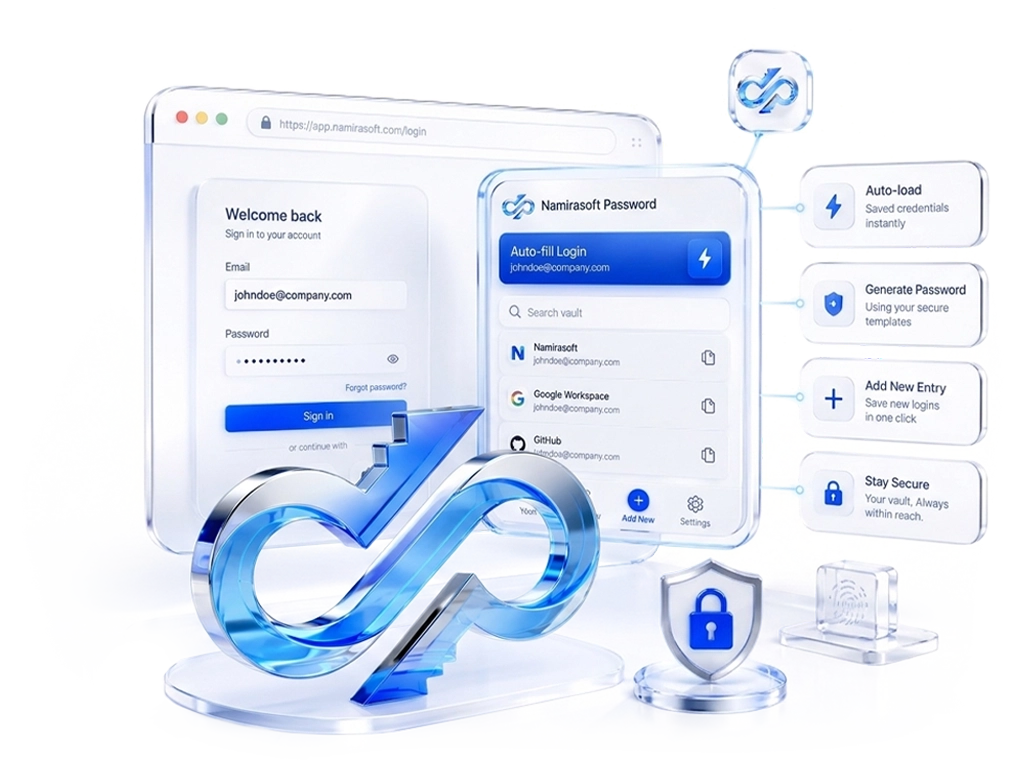
Browser Extension
Use the Namirasoft Password browser extension to access your vault directly on login pages, auto-load saved credentials, generate passwords using your templates, and add new entries without leaving the website you’re using.
Download Extension
Ready to Bring Your Password Management to the Next Level?
Home Page FAQs
Learn the basics of Namirasoft Password.
1. What is Namirasoft Password?
A secure password management platform that helps you create, store, and access your credentials using personalized templates and a protected vault across the web console and browser extension.

2. Is my Master Password stored on your servers?
No. Your Master Password is never saved or transmitted. Only encrypted cipher data is stored, which can be unlocked solely with your Master Password.
3. How does the browser extension work?
It connects directly to your vault and lets you access saved logins, generate passwords using templates, and add new credentials right on website login/ sign-up pages without leaving the site you’re using.
4. Can I manage multiple accounts for the same website?
Yes. When visiting a login page, you can see all saved accounts for that domain and choose which one to use before filling.
5. Can I import passwords from another password manager?
Yes. You can securely import existing usernames and passwords through the Namirasoft Password console.
6. Can I lock my vault?
Yes. You can manually lock the vault at any time. When locked, the extension requires your Master Password and retention duration before any access is restored.
7. Do I need a separate account for the extension?
No. You log into the extension using your existing Namirasoft Account. No additional registration or account setup is required.
8. Which browsers does the Namirasoft Password Extension support?
You can install it for Google Chrome, Microsoft Edge, or Firefox. Every Download Extension button on the site is browser dependent and automatically opens the store that matches your browser.
Let’s Get In Touch
We value every message you send.
We welcome your questions and feedback. Please fill out the form below and our team will respond as soon as possible.