
Status
Assigning a status to each job helps you stay organized and maintain a clear overview of your job search progress.
By categorizing jobs with statuses, you can easily track each step and know exactly where you stand with every opportunity. Start building your job list by assigning a status to every job you’re interested in or applying to.

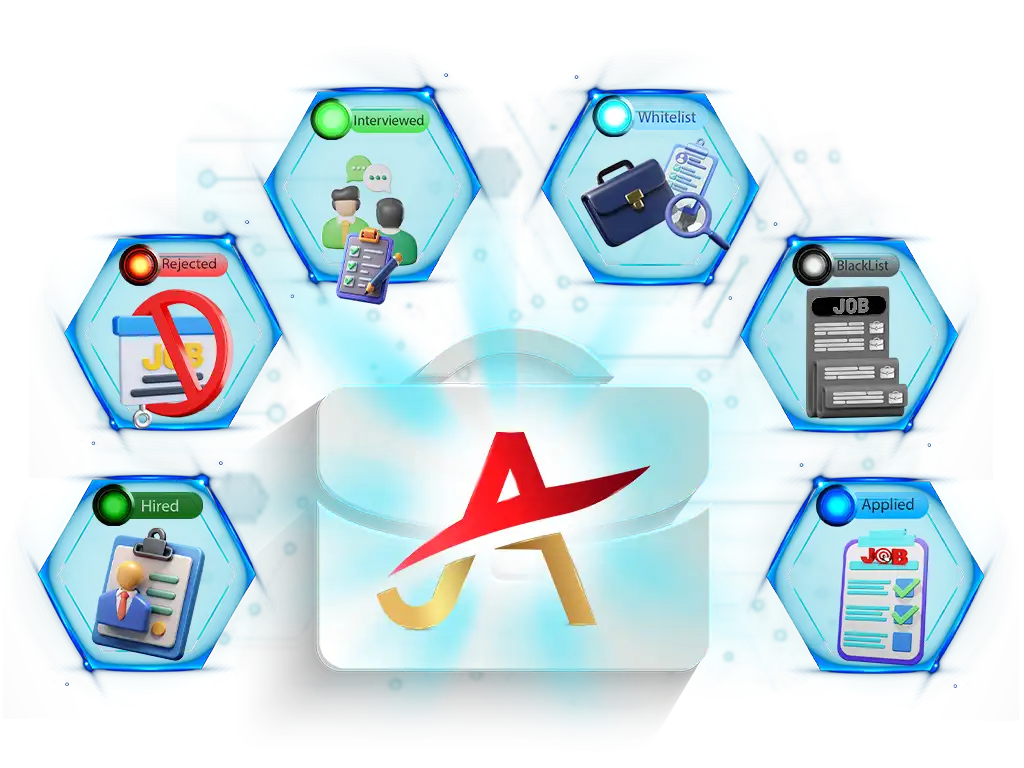
Statuses Include
- Whitelist:
Jobs that you find interesting and want to explore further. These are jobs you’re considering applying to or keeping on your radar. - Blacklist:
Jobs that do not meet your criteria, such as those with irrelevant skills, poor salary offerings, or unattractive locations. - Applied:
Jobs you’ve submitted applications for. - Replied:
Jobs where the employer has responded to your application. - Interviewed:
Jobs where you’ve reached the interview stage. - Rejected:
Jobs where your application has been rejected. - Hired:
Jobs where you’ve been hired.
How It Works
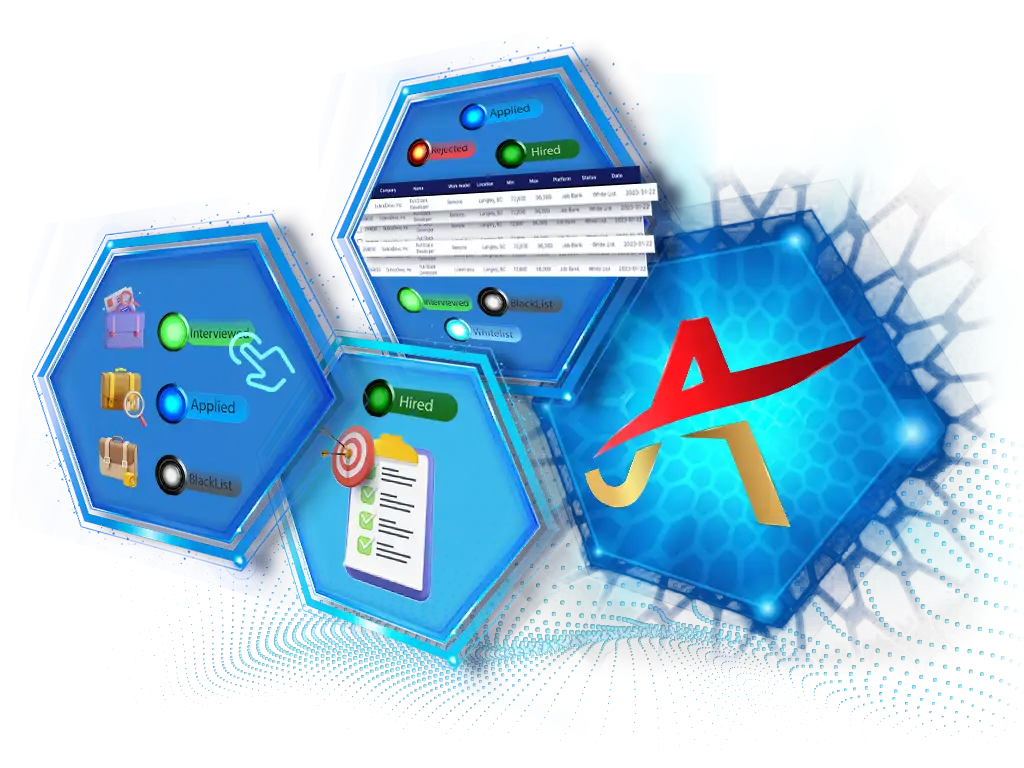
- Assign a Status: such as Applied, Interviewed, or Hired, to each job application on the job search platform.
- Update each Job’s Status: as you move through the hiring process, e.g.: when you applied for the job you have whitelisted, change it from whitelist to applied.
- View and Filter Jobs: based on the statuses, in the Job List page of the console website.
Benefits of Statuses
- Provides a clear overview of your job search progress, helping you quickly identify follow-ups and next steps.
- Keeps applications organized by status, so you know which opportunities are still active or completed.
- Prevents missed opportunities by making it easier to prioritize applications and track each step in your job search journey.
Are You Ready to Start?
FAQs
Find answers to the most common questions about Status.
Get the information you need quickly and easily.
Can I change the status of a job after it's been added to the list?
Yes, you can easily update the status of any job. For example, if you initially whitelisted a job and later applied for it, you can change the status from Whitelist to Applied using either the Chrome extension status tab or the console website.

What is the difference between Whitelist and Blacklist?
A job added to the Whitelist indicates a potential opportunity you might explore further. Blacklist means the job is not relevant or suitable for your preferences (e.g., location, salary, etc.).
What happens to jobs that I've applied to or been rejected for?
You assign the "Applied" status to the jobs you apply for. If you're rejected after applying, you can change the status to "Rejected". These statuses help you keep track of your progress and next steps.
Can I update job statuses directly on job platforms?
Yes! Using our Chrome extension, you can update job statuses directly on the platforms you use for job searches. If the platform doesn't allow status updates at that moment, you can edit them on the Job Arranger console website.